
Why a WhatsApp Chatbot Can Save You 10+ Hours of Manual Work a Week
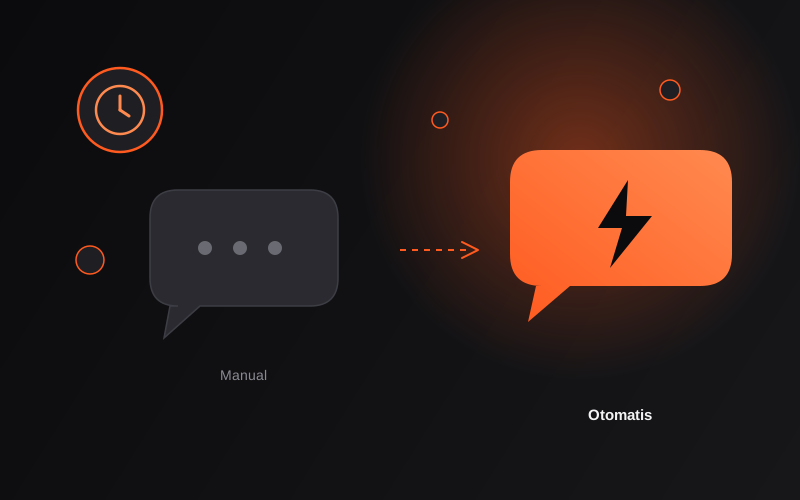
The Work That Feels "Light" But Quietly Eats Your Time
Replying to one customer WhatsApp message feels quick — 30 seconds, a minute at most. The problem isn't one chat, it's dozens of similar ones, every single day, with the same questions on repeat: "how much is it," "are you still open," "where are you located," "any promos right now."
Do the math yourself: if you reply to around 40 chats a day, and each one (including opening/closing the app, thinking of a reply, retyping the same info) takes 2-3 minutes — that's 80-120 minutes a day just for answers that have basically stayed the same since yesterday. Multiply by 6 working days, and you're already past 10 hours a week.
That time isn't just "lost" — it's time that could go toward things that actually need you: thinking through strategy, handling production, or simply resting so you don't burn out.
What Can Actually Be Automated (and What Can't)
The key point: not every chat needs to be automated. What makes sense to automate are questions with a repeating pattern and a fixed answer:
- Auto-reply for operating hours & basic FAQs — starting prices, opening hours, location, how to order
- A first-touch chatbot flow — greeting, asking what the customer needs, routing them to the right product/service category before handing off to a human
- Form-to-WhatsApp/spreadsheet integration — someone fills out a form on your website, and the data lands directly in your team's chat without anyone checking manually
- Automated notifications — booking confirmations, schedule reminders, order status updates
What doesn't belong fully automated: customer complaints, special price negotiations, or situations that need empathy and human judgment. This is exactly where a good chatbot is designed to know when to hand the conversation off to a human, instead of forcing everything through a robot.
A Simple Example Calculation
Say 60% of your 40 daily chats are repeat questions that can be answered automatically. That means 24 chats a day get answered without you touching your phone, and you only need to step in for the 16 that genuinely need a decision or a personal touch.
From that example, the 80-120 minutes a day can drop significantly — the time you have left goes to chats that genuinely need you, not ones whose answers you could've predicted from yesterday.
(The exact numbers vary by business type and chat patterns — which is why a process audit comes first, before any automation setup, instead of relying on generic assumptions.)
What the Process Looks Like With TRIGIA
- Process audit — we review your chat patterns/administrative work, and pinpoint the 1-3 spots wasting the most time (not automating everything at once)
- Automation setup — WA chatbot, auto-reply, form-to-spreadsheet integration, or a combination based on your needs
- Real-scenario testing — tried out with actual questions before go-live, not just a demo on paper
- Short team training — so your team knows how to monitor and make occasional adjustments
- 2 weeks of post-launch monitoring — making sure the chatbot actually performs against real customer behavior, not just initial assumptions
A Realistic Starting Point
You don't need to automate your entire system at once. The most sensible place to start: one WA chatbot for basic FAQs, or one form-to-WhatsApp integration for bookings. From there, you expand once it's proven to actually help.
Want to know how many hours your own chat patterns could save? Free consultation via WhatsApp — we'll help map out where the time is going first, before we talk solutions.